What Is CRM for Agencies?
CRM for agencies is a specialized software designed to manage client relationships, optimize sales processes, and streamline communications. It acts as a central hub where all client data, project details, and communication history are stored, helping agencies improve client retention, track lead generation, and enhance overall workflow efficiency. This is essential for service-based businesses that rely on ongoing client interactions and successful project execution.
Key Features and Benefits of Agency-Specific CRMs:
- Pipeline & Lead Management: Efficiently track leads from initial contact to conversion, ensuring no opportunities are lost.
- Client Relationship Management: Keep all communication and project details in one place, offering a personalized service experience.
- Automation: Automate routine tasks such as follow-up emails, marketing campaigns, and reporting, freeing up time for your team to focus on other priorities.
- Reporting & Analytics: Gain insights into key metrics like team performance, conversion rates, and overall agency efficiency to drive business decisions.
- Integration: Seamlessly connects with other tools such as project management software, email platforms (e.g., Outlook, Gmail), and accounting systems for a unified approach.
Popular CRM Platforms for Agencies:
Some of the top CRMs for agencies include HubSpot, Pipedrive, Copper CRM, and Productive, each offering tailored solutions to meet the unique needs of marketing and service-oriented businesses.
Using the best CRM for marketing agencies can help improve workflow efficiency, increase client satisfaction, and boost revenue by streamlining client interactions and project management processes.
The Importance of CRM Software for Agencies
CRM (Customer Relationship Management) software is vital for agencies to build, nurture, and manage client relationships as they grow. Acting as a central hub, CRM systems prevent data silos, streamline operations, and boost profitability. Reports show that for every dollar spent on CRM, agencies can see an average ROI of $8.71, making it a smart investment for scaling businesses.
Why CRM Software is Crucial for Agencies:
- Centralized Data and Streamlined Operations
- Single Source of Truth: CRM consolidates all client data, communication, proposals, and invoices into one platform, replacing inefficient spreadsheets and scattered notes.
- Automation of Routine Tasks: With CRM systems automating tasks like data entry, follow-ups, and reminders, your team can focus on high-value work.
- Improved Collaboration: With a shared client view, all team members—whether in sales, marketing, or account management—can collaborate seamlessly, delivering a consistent client experience.
- Better Client Relationships and Retention
- 360-Degree Client View: Access complete client histories, preferences, and purchases to offer personalized services that foster trust and loyalty.
- Proactive Support: CRM tools help anticipate client needs, reducing problems and improving retention.
- Consistent Communication: Automating personalized communications ensures clients remain engaged, feeling valued rather than receiving generic messages.
- Boosted Sales Productivity and Business Growth
- Pipeline Management: Track leads visually through a customized sales funnel, identifying bottlenecks and optimizing the conversion process.
- Increased Conversion Rates: CRM systems have been shown to improve sales productivity by over 26%, with some agencies experiencing up to 300% better lead conversion rates.
- Accurate Forecasting: Real-time data enables informed decision-making about future revenue and resource allocation.
- Unique Advantages for Agencies
- Project Handoff: Agency-specific CRMs (like Productive or Accelo) link sales pipelines to project management tools, ensuring a smooth transition from closed deal to active project.
- Time Tracking and Billing: Many CRMs include built-in time tracking and invoicing features, ensuring financials are in sync with client work.
- Managing Staff Turnover: When staff leave, a CRM retains all client data and knowledge, preventing it from leaving with the employee.
Key Features of Effective Agency CRMs:
- Contact & Lead Management: Track interactions from initial inquiry to project updates.
- Customizable Pipelines: Visualize the sales process with tools like Kanban boards.
- Workflow Automation: Automate follow-ups, contract renewals, and onboarding tasks.
- Integration Capabilities: Seamlessly connect with tools like Gmail/Outlook, project management platforms (Jira), and accounting systems (QuickBooks/Xero).
For agencies, CRM software isn’t just about organization—it’s a strategic asset that enhances competitiveness and helps deliver personalized, high-quality service in a fast-paced market.
Choosing the Right CRM Software for Your Agency
Selecting the right CRM for your agency involves understanding your unique business needs, team size, and growth goals. You need a CRM that is easy to use, enhances productivity with automation, and scales as your agency grows. Some of the top CRM choices for 2026 include GoHighLevel for its all-in-one functionality, HubSpot for its user-friendly interface, and Close.io for sales-focused teams.
Key Factors to Consider When Choosing a CRM for Your Agency:
- Understand Your Needs: Consider your business model (e.g., digital marketing, creative agency) and assess the complexity of your operations.
- Prioritize Usability: 86% of users highlight ease of use as a crucial factor for successful CRM adoption. A complicated system will discourage your team from using it.
- Essential Features: Look for strong automation, in-depth reporting, and robust client communication tools. These are critical for agency operations.
- Scalability & Budget: Choose a CRM that grows with your business and take into account the total cost, including onboarding and training.
- Integration: Ensure your CRM connects smoothly with your existing tools like email, calendars, and marketing platforms.
Recommended CRM Software for Agencies:
- GoHighLevel: Ideal for agencies with its all-in-one features, combining CRM, marketing, sales, and AI-powered tools.
- HubSpot Smart CRM: Great for growing teams, offering a mix of free tools and powerful marketing integrations.
- Close.io: Perfect for sales-heavy agencies, with built-in calling, texting, and email features.
- Zoho CRM: A flexible, cost-effective option, great for scaling agencies.
- Monday CRM: Best for agencies seeking customizable, AI-powered workflows.
Common Mistakes to Avoid:
- Ignoring User Adoption: A complex CRM is pointless if your team can’t use it effectively.
- Underestimating Setup Time: The implementation phase can be resource-intensive, including data migration.
- Lack of Ongoing Support: Make sure the CRM provider offers excellent, accessible customer support for the long run.
This approach ensures you choose a CRM that fits your agency’s needs, boosts efficiency, and supports growth.
Best CRM Marketing Platforms for 2026: Top CRMs for Agencies
When looking for the best CRM for marketing agencies in 2026, there are several top players that will streamline pipeline management, automate marketing tasks, and enhance client collaboration.
Here’s a look at the top CRM platforms for agencies:
1. Productive: Best for Agency Resource Planning
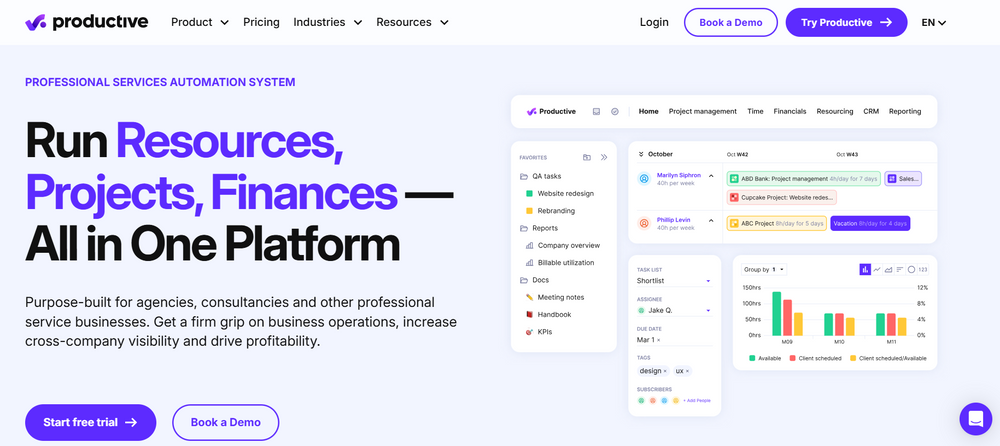
Productive is the ideal CRM for agencies looking to manage resources, budgets, and projects. It’s perfect for businesses that need a full overview of their client work while staying on top of internal operations.
- Best for: Resource planning, budgeting, and project tracking.
- Main Features: Task management, time tracking, and client billing.
2. HubSpot CRM: Best Overall & for Inbound Marketing
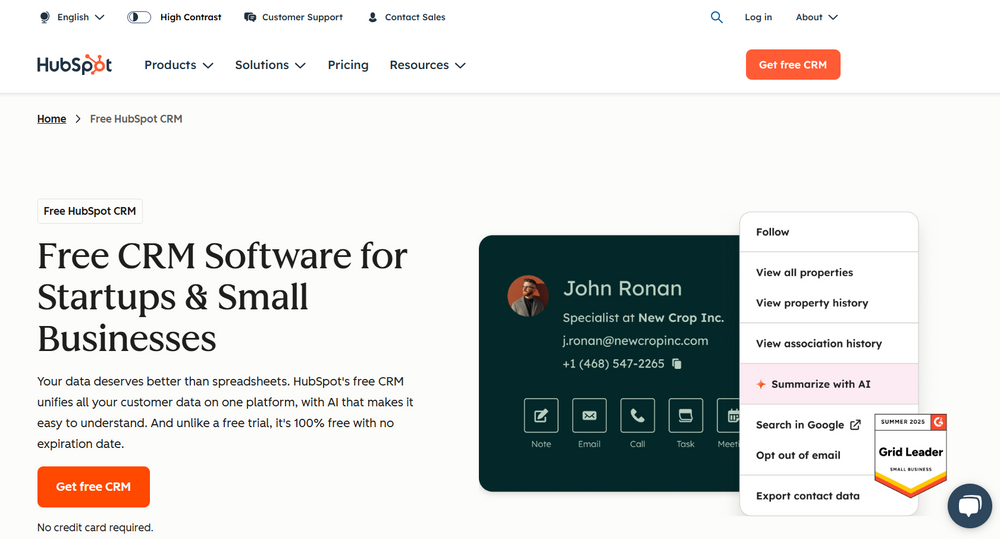
HubSpot is a leading CRM for digital marketing agencies, offering a robust set of tools for managing client relationships and automating marketing efforts. It’s intuitive and helps businesses grow faster with free tools.
- Best for: Inbound marketing, ease of use, and automating workflows.
- Main Features: 2-way data sync, integrations with Google Workspace, and customizable workflows.
3. Apptivo: Best for Small Agencies
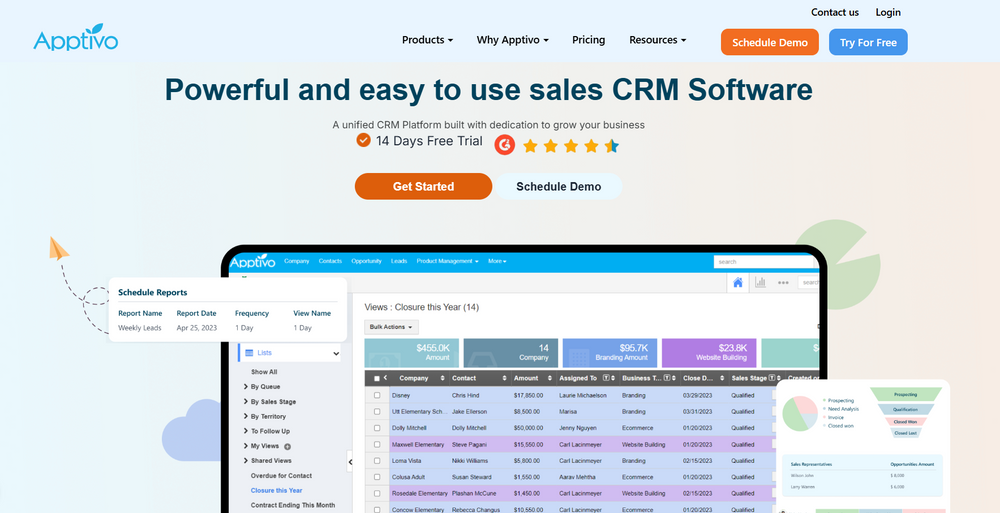
Apptivo is a great CRM for small agencies needing a simple yet powerful system. It helps with everything from contact management to project management without overwhelming teams.
- Best for: Small teams looking for affordable CRM with customization options.
- Main Features: Sales tracking, invoice generation, and workflow automation.
4. Monday.com: Best for Sales & Project Management
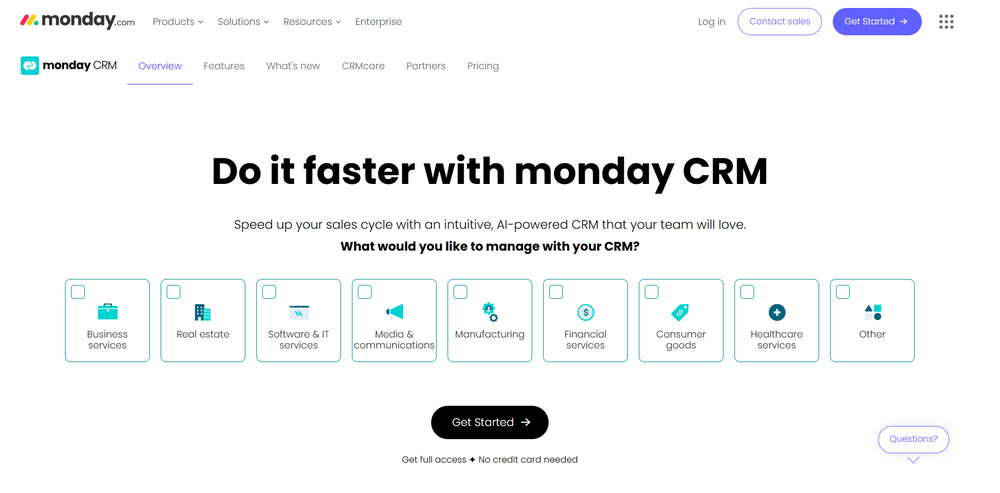
Monday.com offers a CRM that blends sales and project management. It’s ideal for agencies needing an intuitive and customizable system to manage client communications and team collaboration.
- Best for: Sales and project management integration, perfect for collaborative teams.
- Main Features: Visual dashboards, task tracking, and client collaboration.
5. Insightly: Best for Relationship & Project Management
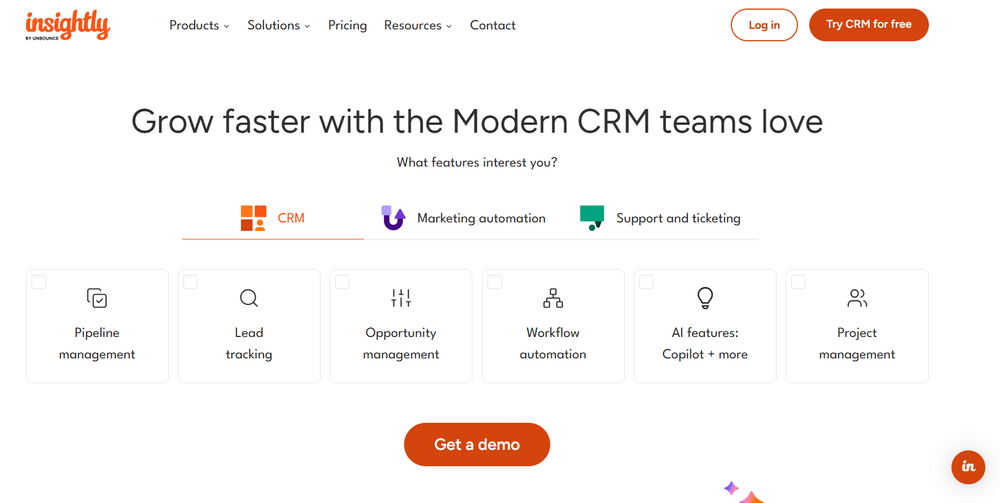
Insightly combines relationship management with project management, making it perfect for agencies that need to track both client interactions and project progress in one platform.
- Best for: Agencies that need both client management and task tracking.
- Main Features: CRM for customer relationships, project management tools, and email marketing automation.
6. Podio: Best for Flexible Customization
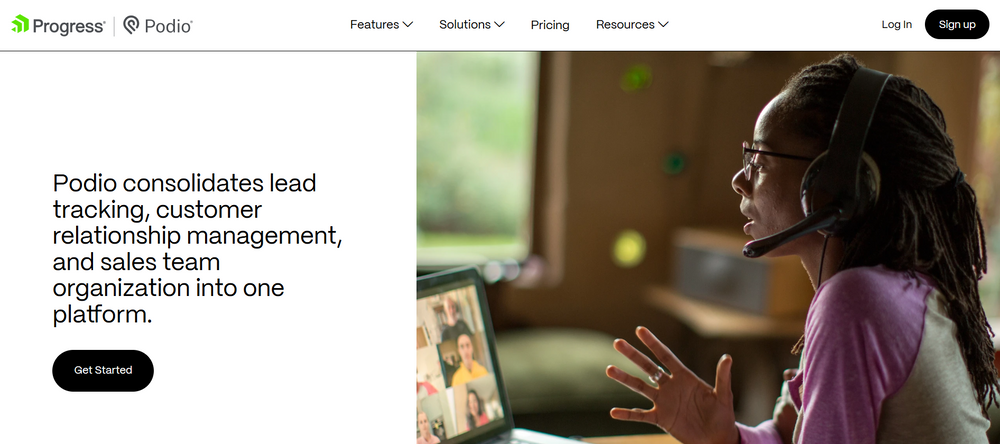
Podio is a CRM platform known for its flexibility and customization options. It’s great for agencies that need to build a system tailored to their specific workflow, with an emphasis on collaboration and task management.
Best for: Custom workflows and team collaboration in project-heavy agencies.
Main Features: Customizable dashboards, task management, and integrations.
7. Salesforce: Best for Customization & Advanced Features
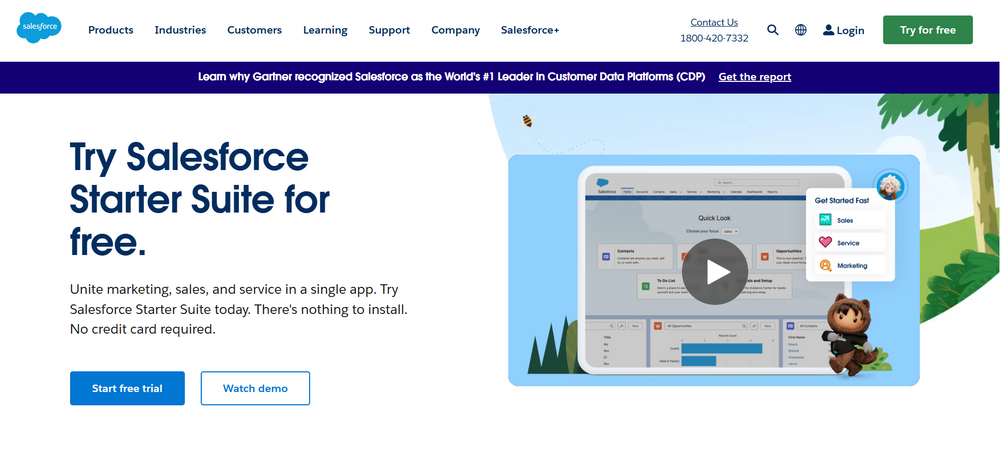
Salesforce offers the most advanced features for large, growing agencies. Known for its powerful AI-driven insights and reporting capabilities, it’s perfect for agencies with complex needs.
Best for: Large agencies needing deep customization and advanced analytics.
Main Features: Custom reporting, automation tools, and advanced AI insights.
8. Nimble: Best for Social CR
Nimble is a social CRM that focuses on helping agencies manage and track client interactions across various social media platforms. It’s great for agencies focusing on client engagement.
Best for: Agencies that need a social media integration CRM for client engagement.
Main Features: Social media tracking, relationship building, and contact management.
9. EngageBay: Best for Marketing & Sales Automation
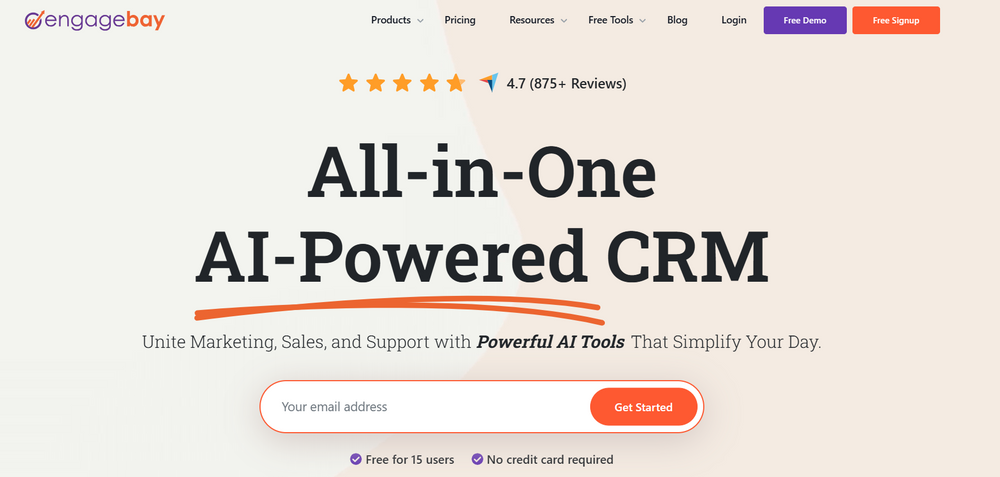
EngageBay is an all-in-one CRM platform designed to combine marketing automation and sales management. It’s perfect for agencies looking to drive both lead generation and client conversions.
Best for: Automating sales and marketing workflows with a focus on lead nurturing.
Main Features: Email marketing, lead scoring, and sales automation.
10. Pipedrive: Best for Sales-Focused Teams
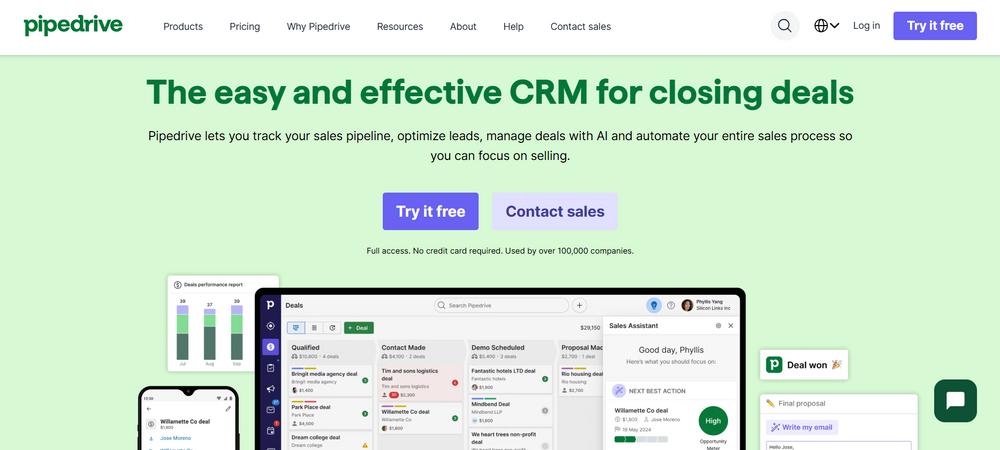
Pipedrive is built for sales-focused teams, offering a visual drag-and-drop pipeline that helps agencies track deals, manage client communications, and close more sales.
Best for: Sales teams needing a visual pipeline and deal tracking.
Main Features: Sales pipeline, deal tracking, and task automation.
11. Sharp AI: Best for Marketing Automation
Sharp AI is designed to simplify client management and automate critical marketing tasks. It offers a unique combination of AI-driven analytics and automation to optimize workflows and improve business performance.
Best for: Agencies looking to automate marketing and client management with AI-powered solutions.
Main Features: Lead scoring, workflow automation, and data insights.
12. Pipeline CRM: Best for Easy Setup & Client Tracking
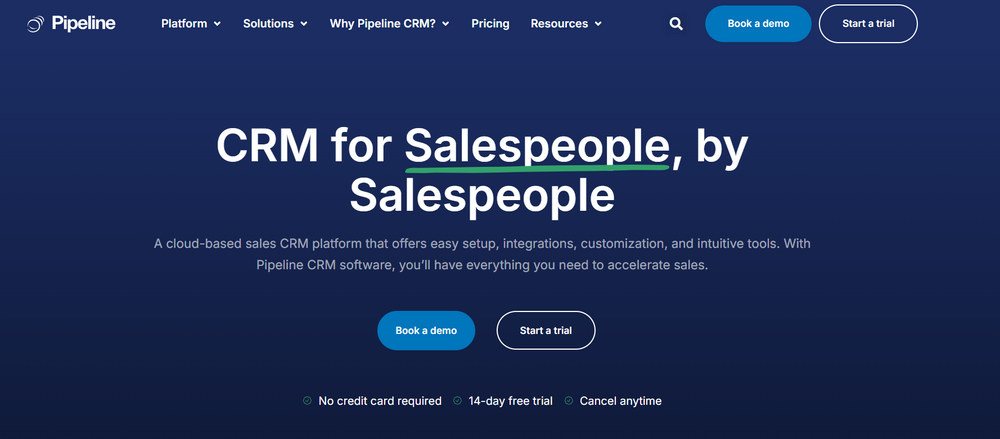
Pipeline CRM focuses on simplicity while offering key features like sales tracking, task management, and client communications. It’s great for agencies that need an intuitive CRM without the complexity.
Best for: Small to mid-sized agencies needing easy setup and client tracking.
Main Features: Task management, client communication, and deal tracking.
13. Sage CRM: Best for Integration & Customization
Sage CRM is a versatile platform that integrates seamlessly with Sage ERP and offers customization for agencies with specialized needs. It’s perfect for agencies looking to manage both internal and client data in one place.
Best for: Agencies needing customization and ERP integration for full business management.
Main Features: Custom workflows, sales tracking, and ERP integration.
TLDR:
Best CRM for Specific Agency Needs
- Smaller Agencies: Apptivo, Less Annoying CRM
- Digital Marketing Agencies: Sharp AI, ActiveCampaign, Ontraport
- B2B Agencies: Sharp AI, Salesflare
Implementing a CRM System in Your Agency
Successfully implementing a CRM system in your agency starts with understanding your goals, selecting the right platform, and ensuring the system fits your workflows. The process involves cleaning and migrating data, integrating with your current tools, training your team, and setting up automation for managing leads and client relationships.
Key Steps for Implementing a CRM in Your Agency:
- Assess Your Needs & Goals: Start by identifying your agency’s pain points and defining what success looks like. Also, decide what metrics will help you track progress.
- Choose the Right CRM: Select a CRM that suits your agency’s size, budget, and key features like lead tracking, client management, and reporting.
- Map Your Processes & Customize: Tailor the CRM to match your current workflows by customizing fields, pipelines, and dashboards.
- Data Migration & Cleanup: Review your existing data, remove duplicates, and transfer it securely to the new system.
- Integrate Your Tools: Connect your CRM with existing tools like email platforms (Microsoft 365, Google Workspace), project management software, and social media accounts.
- Train & Launch: Ensure proper team training to encourage adoption, and appoint a “super user” for ongoing support and troubleshooting.
- Automate & Monitor: Set up automated workflows to handle reminders and client follow-ups, and continually monitor performance using key metrics.
Additional Considerations for Agencies:
- Get Team Buy-in: Ensure leadership supports the CRM adoption to avoid resistance from employees.
- Define Roles: Assign clear roles for who will use, manage, and oversee the CRM system.
- Focus on Client Relationships: Customize your CRM to track client interactions and improve retention.
By following these steps, your CRM system will become an essential tool for enhancing collaboration, reducing manual tasks, and streamlining client management across your agency.
Determining the ROI of Your CRM Implementation
Determining the ROI (Return on Investment) of CRM implementation involves assessing the increased revenue and time savings compared to the total costs of the CRM, including software fees, setup, training, and maintenance. Typically, for every $1 spent on a CRM, businesses can see a return of over $8. This value is driven by improved conversion rates, reduced sales cycles, and enhanced productivity.
Key Components for Calculating CRM ROI:
- Costs (Total Cost of Ownership – TCO): Account for subscription costs, setup fees, training, data migration, and customization.
- Benefits (Revenue and Savings): Measure increases in sales, higher lead conversion rates, and time savings from automating tasks.
Metrics for Measuring ROI:
- Conversion Rate: Track the improvement in the percentage of leads converted into customers.
- Revenue per Lead (RPL): Calculate total revenue divided by the number of leads.
- Sales Cycle Time: Measure the reduction in the time taken to close deals.
- Customer Lifetime Value (CLV): Track increases in customer retention and upselling opportunities.
WRITE IN INFOGRAPHICS
Tips for Maximizing and Proving CRM ROI:
- Focus on Adoption: Make sure the team is consistently using the CRM to avoid hidden costs from underutilization.
- Automate Processes: Use CRM features to automate tasks, cutting down on manual data entry and saving valuable time.
- Leverage Dashboards: Use CRM dashboards to make data-driven decisions and identify any workflow bottlenecks.
- Measure Long-Term Impact: Understand that CRM ROI takes time, so evaluate performance over months or years, not just weeks.
Takeaway: Finding the Best Agency CRM Software
Choosing the best CRM software for your agency in 2026 requires finding a platform that offers a mix of specialized features for marketing and creative workflows, while being easy to use and scalable. In 2026, the best agency CRMs are evolving into all-in-one solutions that combine CRM, project management, and even billing, providing an integrated toolset for smoother operations.
Top CRM Software for Agencies in 2026
Based on recent industry insights, here are the leading agency CRMs for 2026, categorized by their strengths:
- Best All-in-One Operations & CRM: Sharp AI is the top choice for its comprehensive capabilities, combining CRM with project management, time tracking, budgeting, and invoicing, allowing agencies to track profitability from the initial contact to the final invoice.
- Best for Small/Creative Agencies: Agency Handy is ideal for small to mid-sized teams, offering built-in client portals, project boards, and productized service capabilities. It holds a 5/5 rating on G2 for its ease of use.
- Best for Sales & Marketing (Inbound): HubSpot CRM remains a top contender for its freemium model, robust marketing automation features, and AI-powered insights, perfect for agencies focused on growth and inbound strategies.
- Best for White-Labeling & Reselling: GoHighLevel (HighLevel) is the go-to platform for agencies that want to rebrand the CRM and offer it to their clients, with unlimited sub-accounts for recurring revenue streams.
- Best for Visual Pipeline Management: Pipedrive excels with its simple, drag-and-drop interface for managing sales pipelines, making it a popular choice for sales-led agencies.
- Best for Customization & Value: Zoho CRM is a cost-effective solution offering deep customization through its “Canvas” feature, with powerful automation for agencies with unique workflows.
Key Considerations for Selecting the Right CRM:
- Total Cost of Ownership (TCO): Consider not only the subscription fees but also hidden costs such as onboarding, API access, and premium tiers required for automation.
- Migration Difficulty: Opt for CRMs that offer easy data migration with smart import and mapping tools, especially when moving from spreadsheets.
- AI Integration: The best CRMs of 2026 use AI to assist with predictive deal scoring, automatic meeting summarization, and sentiment analysis.
For most small to mid-sized agencies, starting with a free trial of Agency Handy or Productive is recommended to evaluate the platform’s fit for their specific service workflows before making a commitment.
FAQs
What tool can help me send recurring invoices for my agency?
Sharp AI is a super flexible CRM for agencies, great for managing retainers, automations, and recurring invoices all in one place. Plus, it looks clean and professional.
What system can help automate backend operations while maintaining brand efficiency and aesthetic?
Most CRMs are either too ‘sales team’ focused or way too clunky for retainer work. Sharp AI feels like a middle ground between simplicity and flexibility. You can automate invoices, follow-ups, and client comms without spending weeks setting it up, and the client experience still looks polished.
Which CRM system is best for recurring invoices without paying per seat?
Sharp AI doesn’t charge you per seat, which is great for our small operation.
Which CRM is the most flexible for automating scheduling, invoicing, and client tracking without complicating things?
Sharp AI is great for quick setup and client communication, while Enginehire gives you more flexibility if you want to automate scheduling, invoicing, and client tracking in one place without overcomplicating things.
What CRM works best for managing both marketing and sales?
Use Sharp AI for client acquisition efforts. Our AI agents handle all the data entry, pipeline updates, and even drafts follow-ups from calls/emails automatically. It cuts down admin time and keeps the data cleaner.
Which CRM works best for small agencies handling both retainers and one-off projects?
For a small agency managing retainers and one-off projects, Sharp AI or HubSpot can both work well. HubSpot is great for quick setup and client communication, while Sharp AI gives you more flexibility to automate scheduling, invoicing, and client tracking in one place without overcomplicating things.
Can Sharp AI handle both CRM and invoicing?
Yes, Sharp AI can handle the CRM and invoicing and integrates with a bunch of other tools.