Table of Content:
- What are AI Agents?
- Types of AI Agents
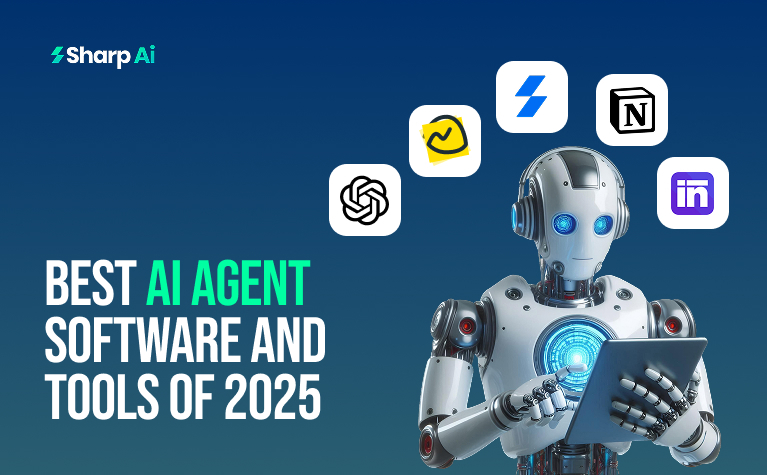
- Best AI Agent Software and Tools in 2025
- ChatGPT
- Basecamp
- Sharp AI CRM
- Notion
- Sintra AI
Let’s face it, if you haven’t implemented any AI agent software or tools, you’re automatically 10 steps behind your competitors. That’s a fact you cannot deny. But does it mean that you’re not gonna finish the race? Not really! There’s plenty of time to catch up and use the best AI employees that can level up your workflow and bring you better Return On Investment (ROI) than depending on manual taskforces.
If you were among those who hesitated about AI agents implementation, Sharp AI brings a filtered list of the top 5 AI softwares for businesses that show measurable results. Pick any one of them for your teams and watch tenfold success that you missed in 2025. Drop your favourite AI tool in the comments below!
What are AI Agents?
Before we jump straight to the list of AI tools, let’s jog our memory and revise what AI agents are.
AI agents are systems that use artificial intelligence to complete tasks and reach goals on their own. They can remember past tasks and adjust based on changing conditions. AI agents use one or more AI models to decide when to act and which systems to access, whether it’s internal tools or external ones, on behalf of the user. This allows them to make decisions and take actions with little human supervision.
Example in Action:
For example, a company that wants to improve its global marketing campaigns. In the past, this task would take six analysts every week. Now, an AI agent helps one employee complete the job in under an hour. Here is how it works:
- Data Collection: The AI agent automatically collects and organizes marketing data every week from connected systems.
- Data Analysis: It then analyzes the data to understand how well the campaigns are performing, comparing the results to the expected goals.
- Recommendations: After analyzing the data, the agent generates a report with suggestions for improvements. The human operator can review and adjust the suggestions if needed.
- Action: Once the operator approves, the AI agent automatically updates the marketing platforms with the new recommendations.
This process saves time, reduces human effort, and helps businesses make smarter decisions faster.
Types of AI Agent Software and Tools
AI agents are systems that make decisions and take actions based on the environment they are in. There are different types of AI agents, each with its own way of making decisions:
- Simple Reflex Agents:
These agents act based only on the current situation. They follow rules to make quick decisions without thinking about the past or future. - Model-Based Reflex Agents:
These agents are a bit smarter. They keep track of what has happened in the past and use that information to make better decisions about what might happen next. - Goal-Based Agents:
These agents work towards specific goals. They make decisions that help them get closer to achieving their desired outcome. - Utility-Based Agents:
These agents think about the best possible outcome for any situation. They choose actions that will give them the most benefit or “utility.” - Learning Agents:
Learning agents get better over time. They learn from their experiences and improve their decision-making based on what they’ve learned.
Suggested Read: https://blog.sharpai.app/using-ai-employees-in-crm/
Best AI Agent Software and Tools That Stood Out in 2025
1. ChatGPT
At #1 is the synonym of AI, ChatGPT. Let’s answer some basic questions about this AI agent tool.
What is ChatGPT?
ChatGPT is an AI-powered chatbot created by OpenAI. It can write essays, scripts, poems, and even solve coding problems in a way that feels very human. It can also hold conversations, acknowledge when it makes mistakes, and improve its responses over time.
The name GPT stands for Generative Pre-Trained Transformer. This means that ChatGPT learns from large amounts of text data available on the internet. By analyzing this information, it becomes capable of generating responses to various questions or commands, providing useful answers or suggestions.
ChatGPT is a great example of conversational AI tools that help automate communication and provide support in many areas, like customer service or content creation. It uses machine learning agents to understand and improve its ability to interact with users in a natural, intelligent way.
-
How to use ChatGPT?
ChatGPT is an advanced example of AI-powered automation and conversational AI tools, which can help with a wide range of tasks, from answering questions to customer support.
- Go to chatgpt.com or open the app, and create an account or log in (it’s free).
- If you have a paid plan, choose the AI model you want to use.
- Type or upload your question, text, image, or audio prompt on the main page.
- After ChatGPT gives a response, you can:
- Edit your prompt.
- Ask a new question or give a new command.
- Copy or share the response.
- Like or dislike the answer.
- Regenerate the response for a different answer.
-
When to use ChatGPT?
ChatGPT is a versatile tool that can help you with many tasks. You can use it for:
- Generating creative content, like writing stories, poems, or blog posts.
- Coding help, whether you need to write or debug code.
- Analyzing or summarizing information to make complex topics easier to understand.
- Brainstorming ideas for projects or content.
- Professional tasks, like drafting emails, resumes, or cover letters.
- Learning new concepts, by simplifying difficult texts or explaining ideas in simple terms.
- Organizing your life, such as planning schedules, creating to-do lists, or even making meal plans.
ChatGPT is a great example of AI-powered automation, acting as a conversational AI tool to support various aspects of your work and personal life. Whether you’re using it for AI for customer support or workflow automation, it can help streamline tasks and save time.
-
Who can use ChatGPT?
Anyone can use ChatGPT, but you must be at least 13 years old. If you’re between 13 and 18, you’ll need parental consent. ChatGPT is available for free worldwide, though some features require a paid subscription.
ChatGPT is an example of AI-powered automation and can be used for a variety of tasks, including AI chatbots, conversational AI tools, and AI for customer support. It is also useful for machine learning agents and workflow automation.
-
Why should you use ChatGPT?
People use ChatGPT for many reasons, mainly to boost productivity by generating text, writing code, and finding information quickly. It’s also helpful for learning new concepts, getting advice on everyday tasks, doing creative work, and exploring new technology out of curiosity.
Whether you need AI-powered automation, help with AI chatbots, or AI for customer support, ChatGPT offers a wide range of uses. It’s also great for machine learning agents and improving workflow automation in both personal and professional tasks.
-
How much does ChatGPT cost?
ChatGPT offers both free and paid plans, with different features based on your needs:
ChatGPT Free
- Cost: $0 (Free Forever)
- Best For: Individuals exploring AI with basic needs
- Features: Access to GPT-3.5 and GPT-4o mini, limited speed, and message limits
- Drawbacks: Slower responses, no advanced tools or memory features
ChatGPT Plus
- Cost: $20 per month
- Best For: Users needing faster responses and full GPT-4o access
- Features: Full GPT-4o access, priority response times, memory capabilities
- Drawbacks: Single-user access, no admin tools, not ideal for teams
ChatGPT Pro
- Cost: $200 per month
- Best For: Developers and professionals needing more advanced tools
- Features: Access to GPT-4o, extended token limits, advanced settings, file uploads, and API enhancements
- Drawbacks: Expensive for casual users
ChatGPT Team Plan
- Cost: $25/user/month (annual billing) or $30/user/month (monthly billing)
- Best For: Small to mid-sized teams needing collaborative tools
- Features: Shared workspace, team memory, admin controls, priority access
- Drawbacks: Limited enterprise security, not suitable for highly regulated industries
ChatGPT Enterprise
- Cost: Custom pricing (based on team size, usage, and security needs)
- Best For: Large organizations needing scalability and compliance
- Features: GPT-4o access, enterprise-level security, SOC 2 compliance, analytics, and volume licensing
- Drawbacks: Requires sales engagement, onboarding time can vary
Each plan is designed for different purposes, whether you’re looking for AI-powered automation, AI chatbots, or more advanced features like machine learning agents. The ChatGPT Team and Enterprise plans are ideal for businesses that need AI for customer support and workflow automation.
2. Basecamp
-
What is Basecamp?
Basecamp is an easy-to-use, cloud-based project management and team collaboration tool. It helps teams organize their work, track tasks, and communicate effectively. Basecamp focuses on simplicity with core features like to-do lists, message boards, file sharing, and scheduling, instead of complex dashboards or charts.
Created by 37signals, Basecamp is ideal for small to medium-sized businesses and teams working remotely or asynchronously.
-
When to use Basecamp?
Basecamp is perfect for teams working on collaborative projects that need a central place for communication, file sharing, and basic task management. It’s ideal for small to medium-sized teams or projects that don’t need complex, real-time management tools. Basecamp focuses on asynchronous communication, making it a great choice for teams that don’t require constant updates or micromanagement.
-
Who can use Basecamp?
Basecamp is a flexible tool that can be used by many different types of users, including employees, contractors, clients working on specific projects, and even students and teachers who can access a free education discount. It works well for solo entrepreneurs, small and medium-sized teams, and even larger organizations looking for a simple way to collaborate. Basecamp is great for managing tasks, communication, and files without the complexity of more advanced project management tools.
-
How much does Basecamp cost?
- Basecamp Pro Unlimited: $299/month billed annually, all-inclusive
- Basecamp Plus: $15/user per month
- Basecamp Free: Free forever
3. Sharp AI CRM

What is Sharp AI CRM?
Sharp AI is an AI-powered CRM that provides a single platform for businesses to automate sales and marketing, manage customer data, and streamline operations like communication, scheduling, and payments. It focuses on centralizing tasks, from lead tracking to customer support, to improve efficiency and sales growth by automating repetitive tasks and providing insights into customer data.
How to use Sharp AI CRM?
To use Sharp AI CRM, start by creating an account and signing up for a trial to explore the interface. Then, add your team members, configure services and a calendar, and set up AI-driven automations for tasks like lead scoring and email responses. For ongoing use, create a dedicated CRM champion to train the team and manage best practices.
Who can use Sharp AI CRM?
- Business Size: It is built to be flexible and scalable, catering to startups, small businesses, mid-market businesses, and large enterprises.
- Roles/Departments: Various departments within an organization can use Sharp AI to manage customer data and interactions, including:
- Sales teams
- Marketing teams
- Customer support and service teams
- Executives and business development
- Finance, legal, and IT departments
- Accounting firms
- Charities and non-profits
- Consulting firms
- E-commerce ventures
- Financial services (including tax consultants and bookkeepers)
- Healthcare providers
- IT and technology services
- Marketing and social media agencies
- Real estate (agents, brokers, and companies)
- Retail
- Salons and wellness businesses
-
How much does Sharp AI CRM cost?
- Standard Plan: £99/month
- Growth Plan: £199/month
- Premium Plan: £1,499/month
4. Notion
What is Notion?
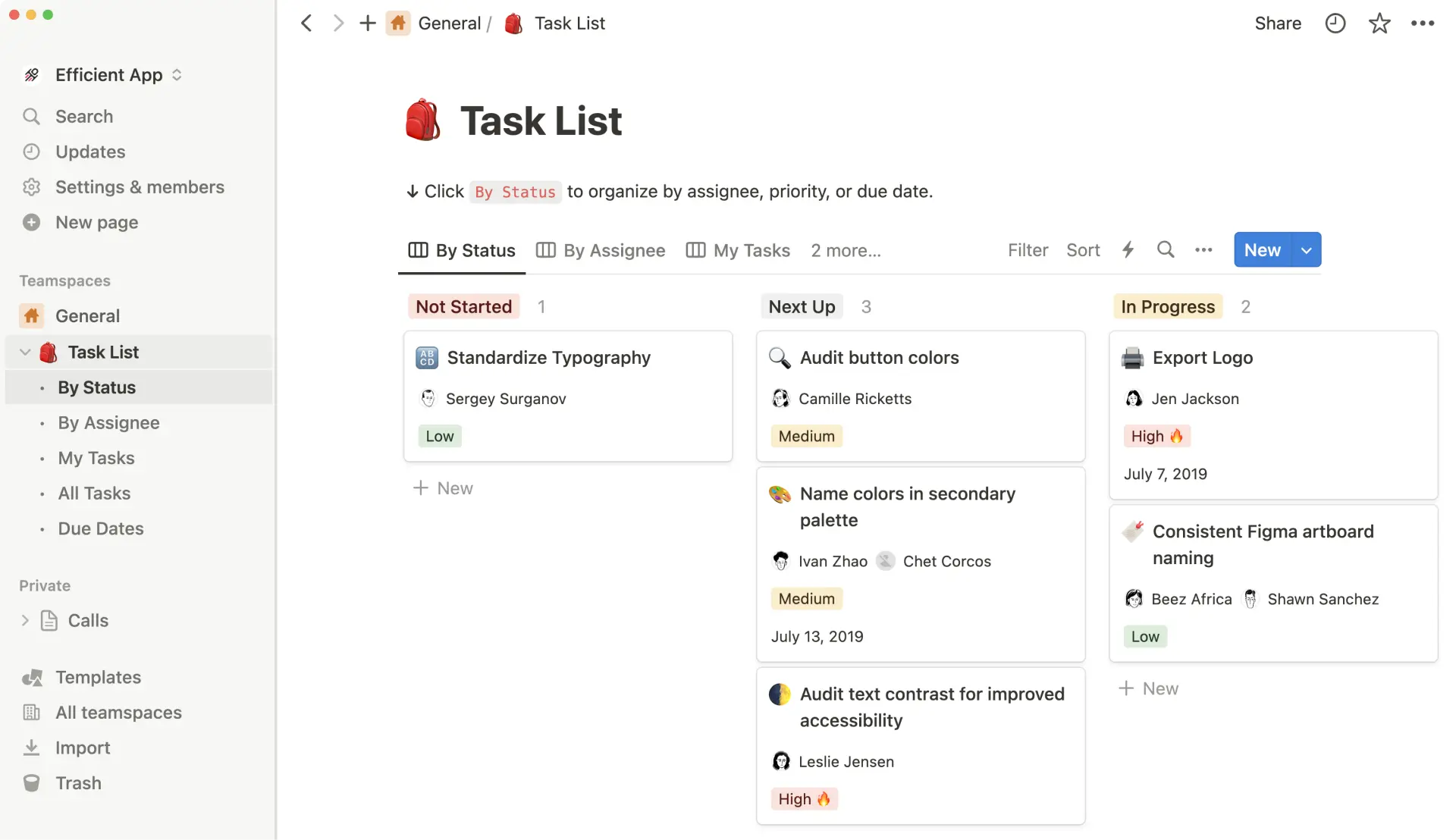
Notion is an all-in-one workspace that brings together notes, task management, wikis, and databases into one customizable platform. It’s designed for both personal use and team collaboration, letting users create a system for managing projects, knowledge, and tasks. Some key features include real-time collaboration, AI-powered automation for writing, and flexible databases that can be viewed in different ways, such as calendars or Kanban boards.
When to use Notion?
Use Notion to organize both personal and work tasks, manage projects, and create a central space for notes and information. It’s perfect for individuals or teams who need a flexible platform to plan, take notes, and collaborate on tasks. Whether for AI-powered automation or simple task management, Notion offers a customizable solution for everyday productivity.
How much does Notion cost?
- Free: $0 per member / month
- Plus: $10 per member / month
- Business: $20 per member / month
- Enterprise: Custom Pricing
https://efficient.link/r/motion?utm_source=efficient.app
5. Sintra AI
What is Sintra AI?
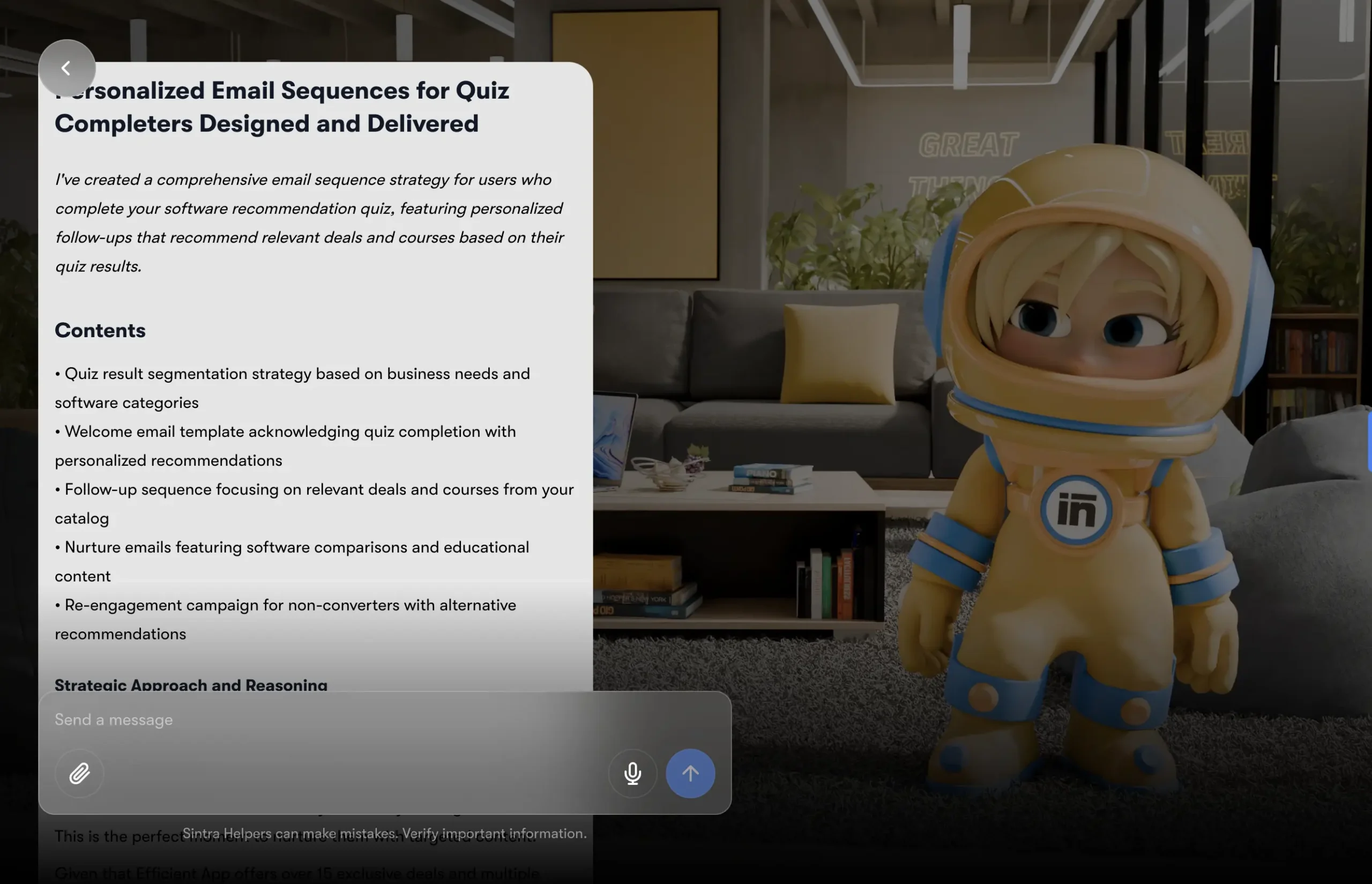
Sintra AI is a productivity platform that provides a team of specialized AI-powered automation tools, rather than just one AI assistant. It helps businesses streamline tasks by automating workflows for things like content creation, email outreach, social media management, data analysis, and more. The platform features 12 unique AI chatbots, each with a specific role, and a central “Brain AI” that stores and uses information to provide personalized support.
Who can use Sintra AI?
Sintra AI is designed for individuals, small businesses, and large organizations looking to automate tasks and improve productivity. It’s easy to use for both technical and non-technical users, including founders, freelancers, and employees who want to delegate tasks without needing to work with complex prompts or APIs. Whether you need AI-powered automation or AI for workflow automation, Sintra AI provides a simple solution for everyone.
How much does Sintra AI cost?
Sintra AI is priced at $39 per month for a single AI assistant. The Sintra X plan, which includes all 12 AI helpers and advanced features, costs $97 per month. For businesses, the Sintra Business plan is available at $67 per month and includes collaboration tools and multiple workspaces. Some plans also offer annual payment options for savings.
Whether you need AI-powered automation, AI chatbots, or AI for workflow automation, Sintra AI offers flexible pricing to suit individuals, small businesses, and larger teams.
And with this, Sharp AI brings you 5 of the best AI agent software and tools for you to try and implement. Got any more questions about the best AI tools and employees? Start signing up for these tools today to stay ahead in the AI-driven world of tomorrow.